
For iPhone and Android · Free at its core

Collect. Play. Remember.

You spot a game in a clip, on a page or on a friend's screen, and by tomorrow the name is gone. GameChest keeps it. Add the game in seconds, together with where you found it, and it lands in a chest in your own cozy pixel room.
Coming soon to the App Store and Google Play
Free to download · iPhone and Android

How GameChest works

Seen it.
A clip, a shelf, a friend's screen. That looked good.

Forgot it.
Tomorrow the name is gone. It always is.

Chest it.
Search, share a link, scan a box or a cover. Nothing is saved until you have checked it.

Play it.
Your chest grows. When you cannot decide, Play tonight picks at most three.


Preview
From discovery to chest.
Four screens, one game saved.
Find it
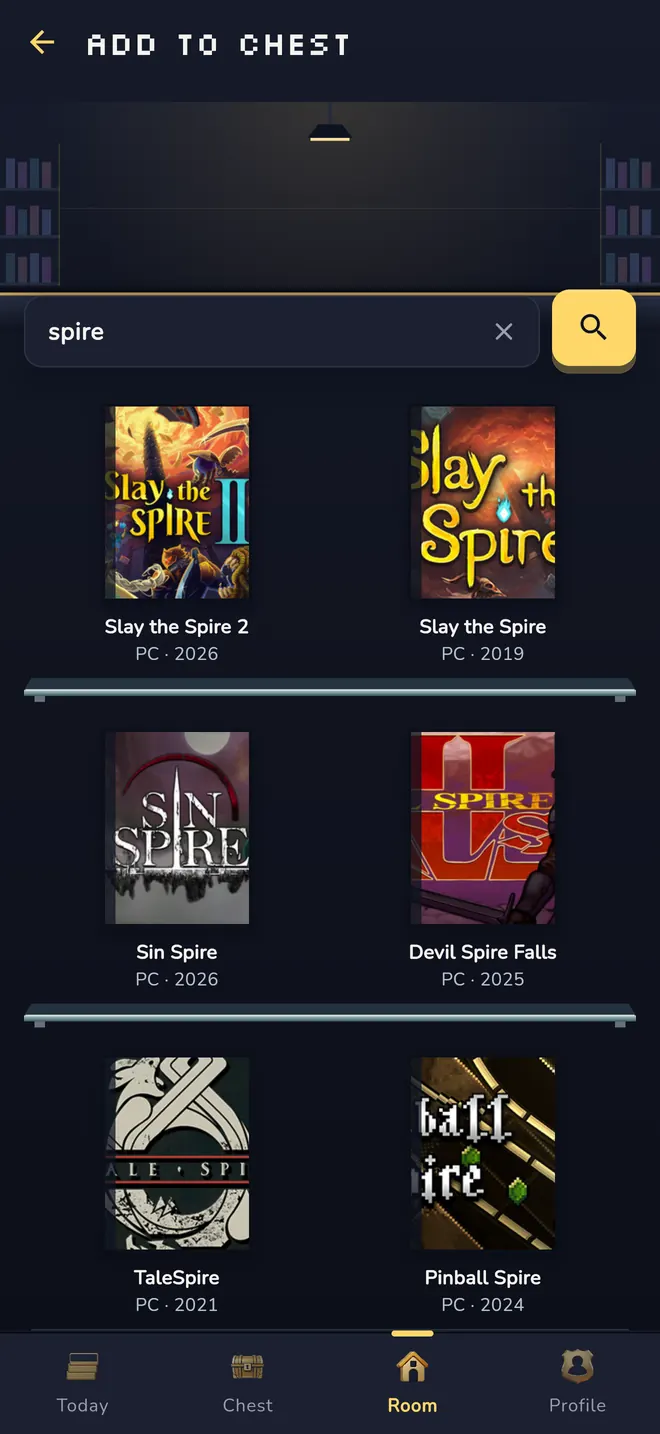
Search, paste or scan.
Check it
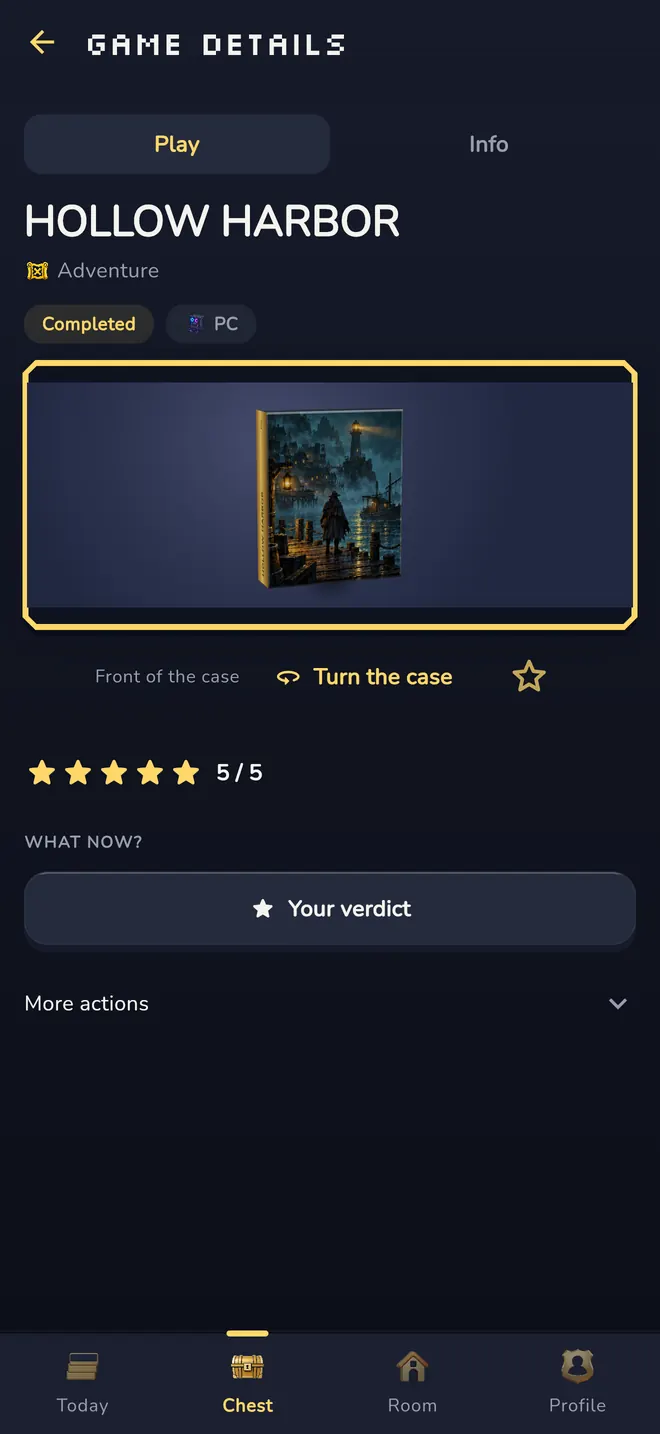
Nothing is saved until you say so.
Keep it
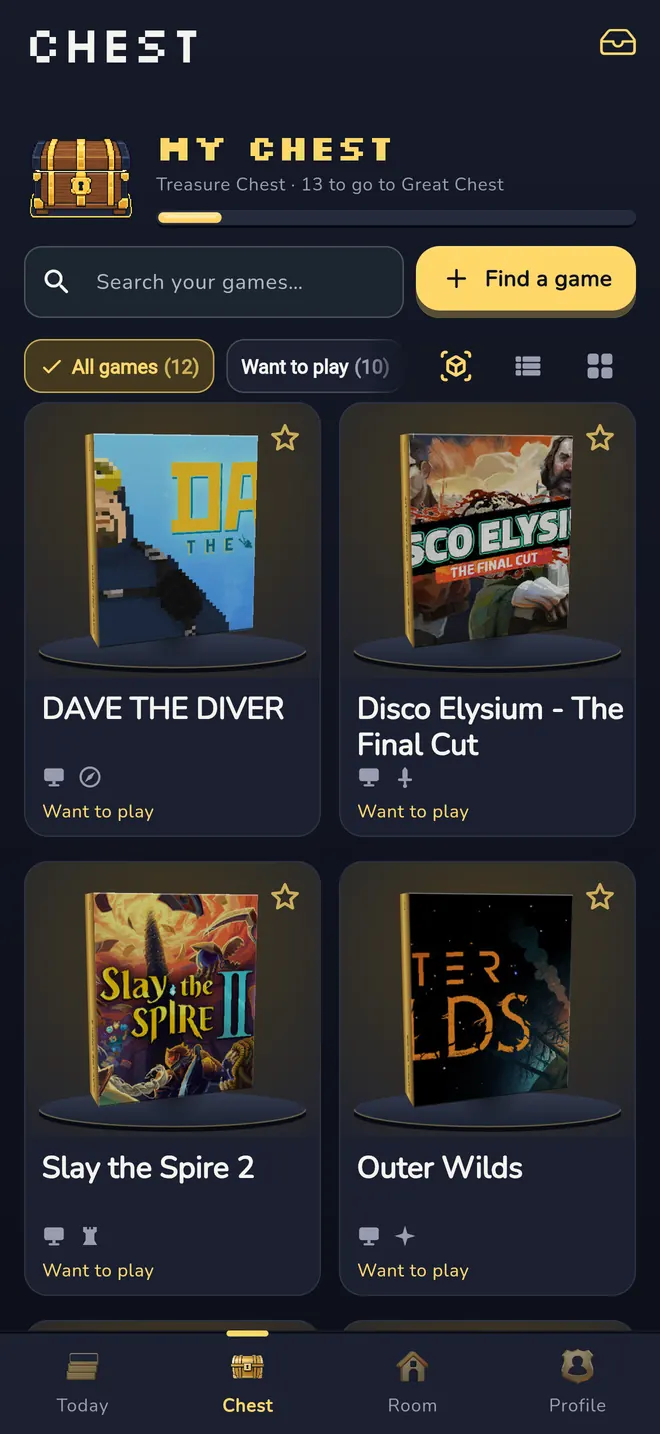
Your chest, your filters.
Live with it
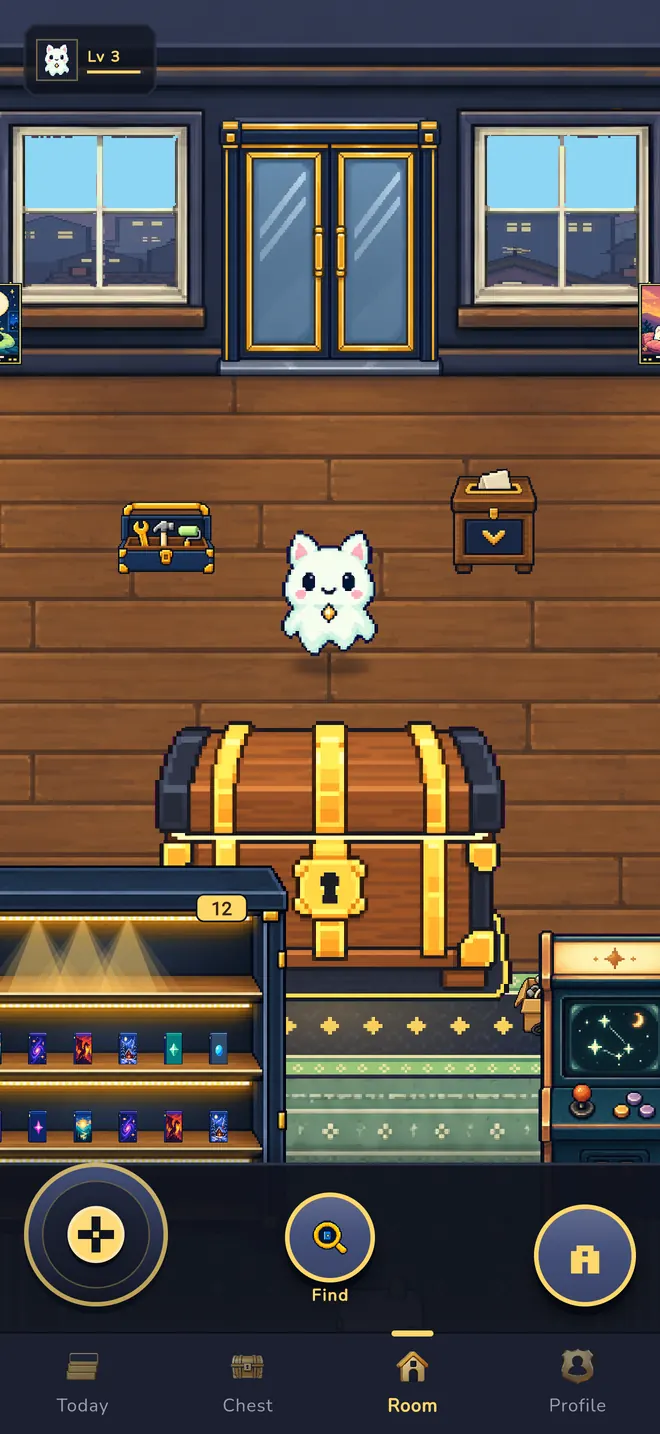
It lands in your pixel room.

Add it
Into your chest in seconds.
Five ways in, one rule: nothing is saved until you have checked the details.
- Search a game catalog by title
- Paste a link, or share it straight from another app to GameChest
- Scan the barcode on a game box
- Read the title from a cover photo or screenshot. The text recognition runs on your device.
- Or simply type the name
Your original link and a note on why you wanted the game stay with the entry.

Your room
A chest that grows with you.
Your collection is a wooden chest in a top-down pixel room. It grows in seven stages, from Empty Crate to Legendary Chest, and it never shrinks.
Walk your companion through the room and arrange the furniture your way. A signpost shows one good thing to do next. No streaks, no pressure.
Your chest
Remember why you wanted it.
Mark games as backlog, playing, completed or dropped, and add stars and notes. Search and filter your own chest, and jump back to where you found a game any time.
Your collection stays private.

The game shop
Browse your own shelves.
Step through the door into your own game shop with shelves, a bargain bin and a counter. Nothing is for sale here; it is where your next search starts.

Tonight
Can't decide? Play tonight.
One tap, at most three suggestions from your own chest, each with a reason: the game you are already in the middle of, or one from a genre you love. No pressure, no feed.

Share it
Your game. Your verdict.
Turn a game into a Memory Card, or share a card of your whole shelf. Only the card leaves the app: your notes and discovery links stay private.
Compare shelves with a friend: your shelf becomes a short code, theirs becomes a comparison, and what they have that you have never seen comes first. No account, no server, no public list.
Your collector level grows with your collection. Nothing expires.


GameChest Plus · Optional
Make it yours.
GameChest is free to use. Plus makes your room yours, and that is all it does.
- 8 more companions
- The Golden Arcade and Gold Foil Memory Card styles
- Extra decor for your room
Plus is purely cosmetic. Saving, finishing, rating and sharing are free and unlimited, with or without Plus. A companion you picked and decor you placed stay with you after Plus ends.
€2.99 a month or €19.99 a year. The yearly plan can start with a free week where offered. Your local price is shown in the store before you buy.
On iPhone, payment is charged to your Apple Account when you confirm the purchase (after the free week, if one applies). The subscription renews automatically unless it is cancelled at least 24 hours before the end of the current period. Manage or cancel it in your Apple Account settings. Terms of Use · Privacy Policy

Private by design
Your chest is yours.
No ads, no tracking.
No advertising, no tracking across apps or websites, no analytics SDK of our own.
Compare without a server.
Shelf comparison works with a short code. No account, no server, no public list.
Delete in the app.
Delete your account and your collection any time, right in the app.
Hosted in the EU.
Your account and collection are stored on servers in the EU (Ireland).
Questions
Good to know.
Is GameChest free?
Yes. Saving, finishing, rating and sharing games are free and unlimited. GameChest Plus is an optional subscription for cosmetics only: more companions, card styles and decor.
When can I download it?
GameChest is coming to iPhone and Android. The App Store and Google Play links will appear here as soon as the app is live.
Which games can I save?
Search a game catalog by title, paste or share a link, scan a box or a cover, or type the name yourself. If a game is not in the catalog, you can always add it by hand.
Does GameChest sell games or send me offers?
No. The in-app game shop is a place to start searching; nothing in it is for sale. There are no ads.
Where is my data, and can I delete it?
Your account and collection are stored with our hosting provider on servers in the EU. You can delete your account, including your collection, in the app at any time. Details: Privacy Policy · Support.
Spotted a game today?
Put it in your chest before the name is gone.
Coming soon to the App Store and Google Play
Free to download · iPhone and Android